

Take Payd payments in your WooCommerce store
One plugin for mobile money, bank transfers, cards and stablecoins. Install it, add your credentials and start selling.
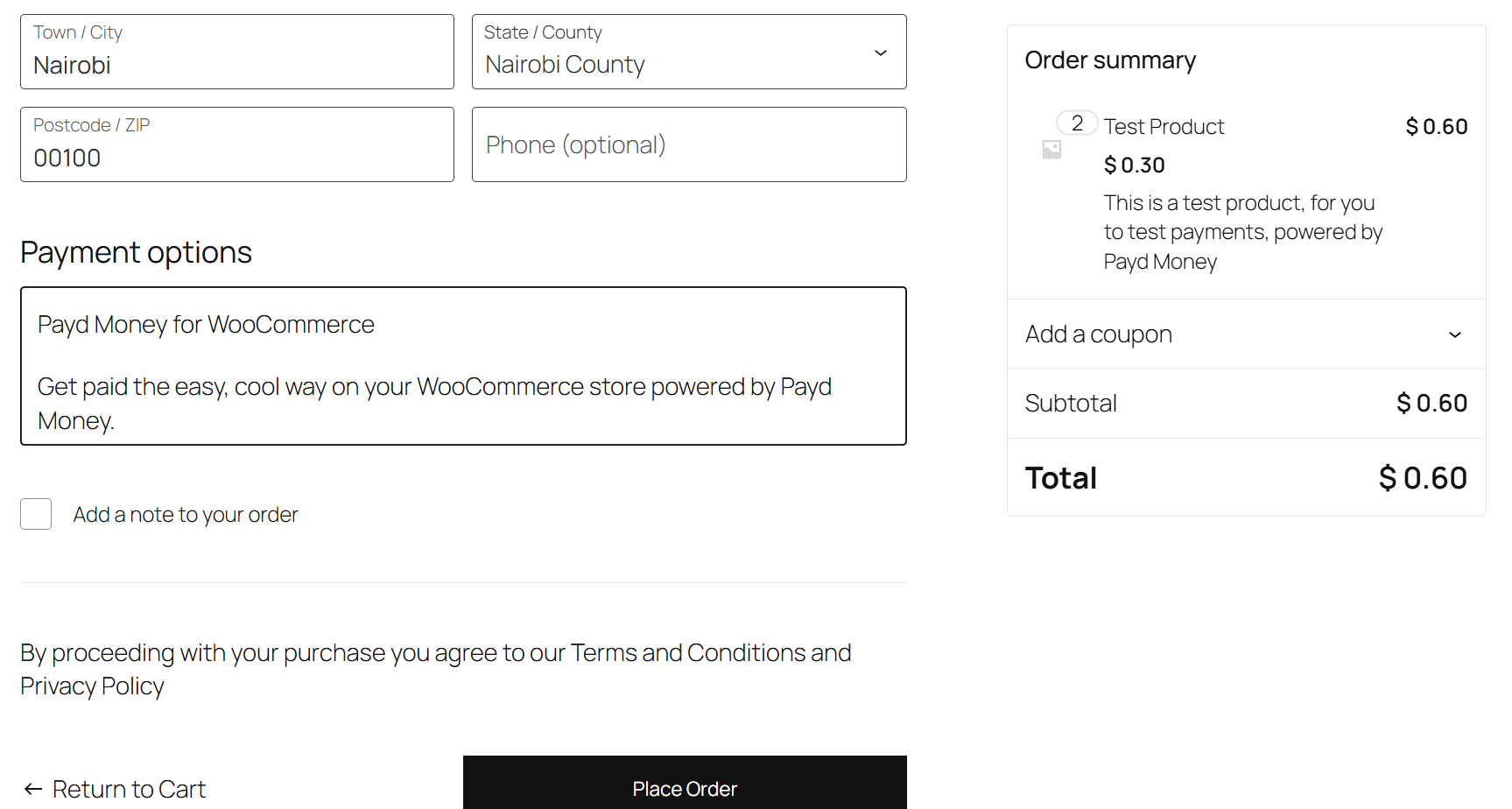
What the plugin does
Many ways to pay, one plugin
Mobile money (M-PESA, Airtel), bank transfers, cards and stablecoins (cUSD, cKES and USDT).
One settings panel
Everything lives in WooCommerce settings, so setup and upkeep stay quick.
Orders and refunds in WordPress
Track orders, get payment confirmations and manage refunds without leaving your dashboard.
Set it up in four steps
- 1
Upload the plugin
Upload the .zip under Plugins > Add New > Upload.
- 2
Activate it
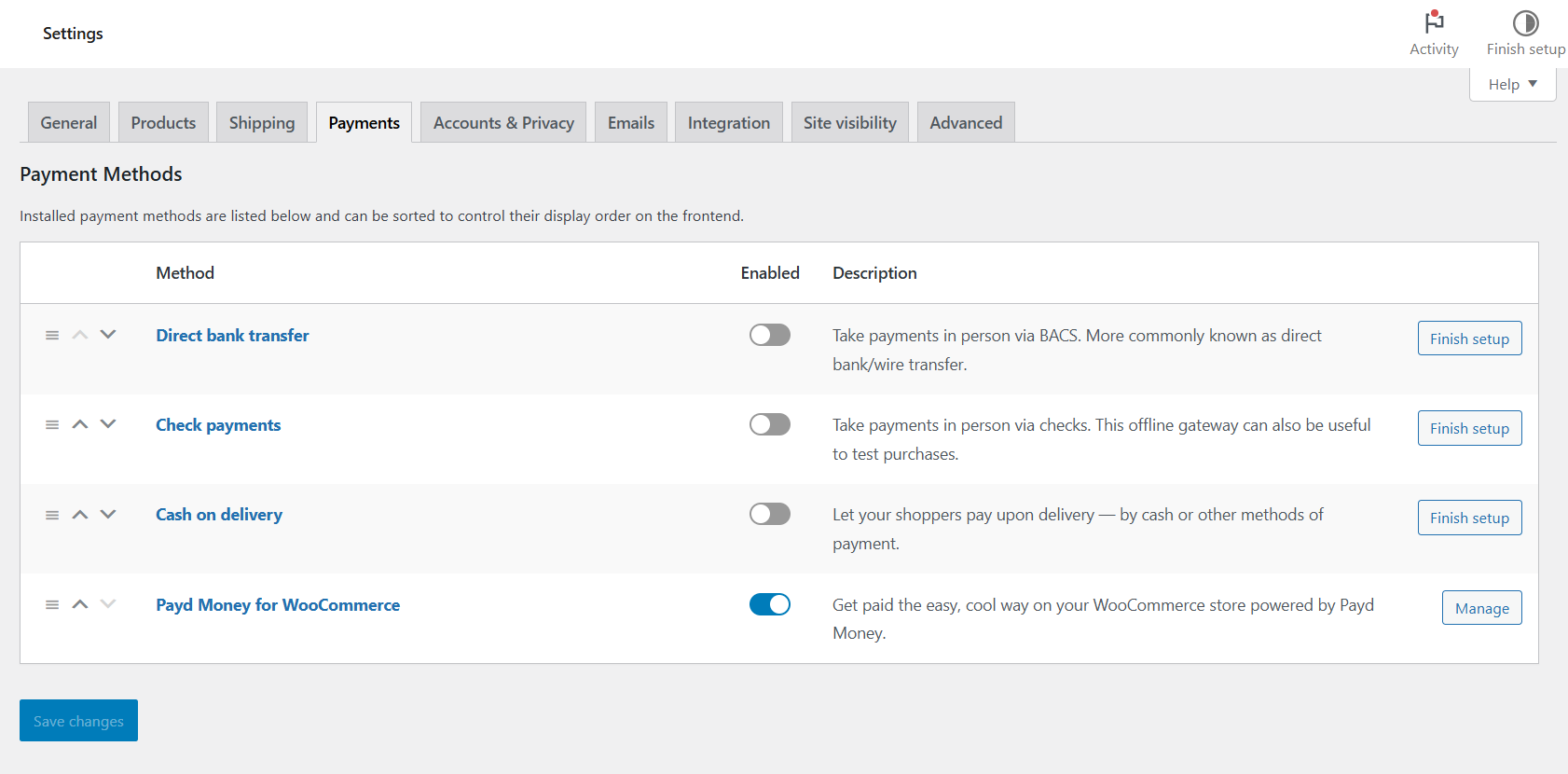
Turn on Payd Money under WooCommerce > Settings > Payments.
- 3
Add your credentials
Enter your Wallet Username, API Username and Password.
- 4
Save
Save your changes and your store is ready to take payments.
Questions
Where do I get my API credentials?
Which payment methods can customers use?
Where do I download the plugin?
Need help? Email support@paydhq.com.
Add Payd to your store
Install the plugin from WordPress and take your first payment.